POTM socials.
Big effort. Proud moments. Share your team’s story with ready-to-edit Rothley Imps templates. Choose your design, add your photo and give your players their moment to shine.
01.
Choose your look.
Pick a colour, then choose a social post or story.
03.
Open your copy in Adobe Express. Add a photo, player name, year group, team and score if applicable.
02.
Make it yours.
Share the moment.
Download your finished image and upload it to the Imps social media account.
Player of the match.
Four club colours. Two formats. The same proud moment
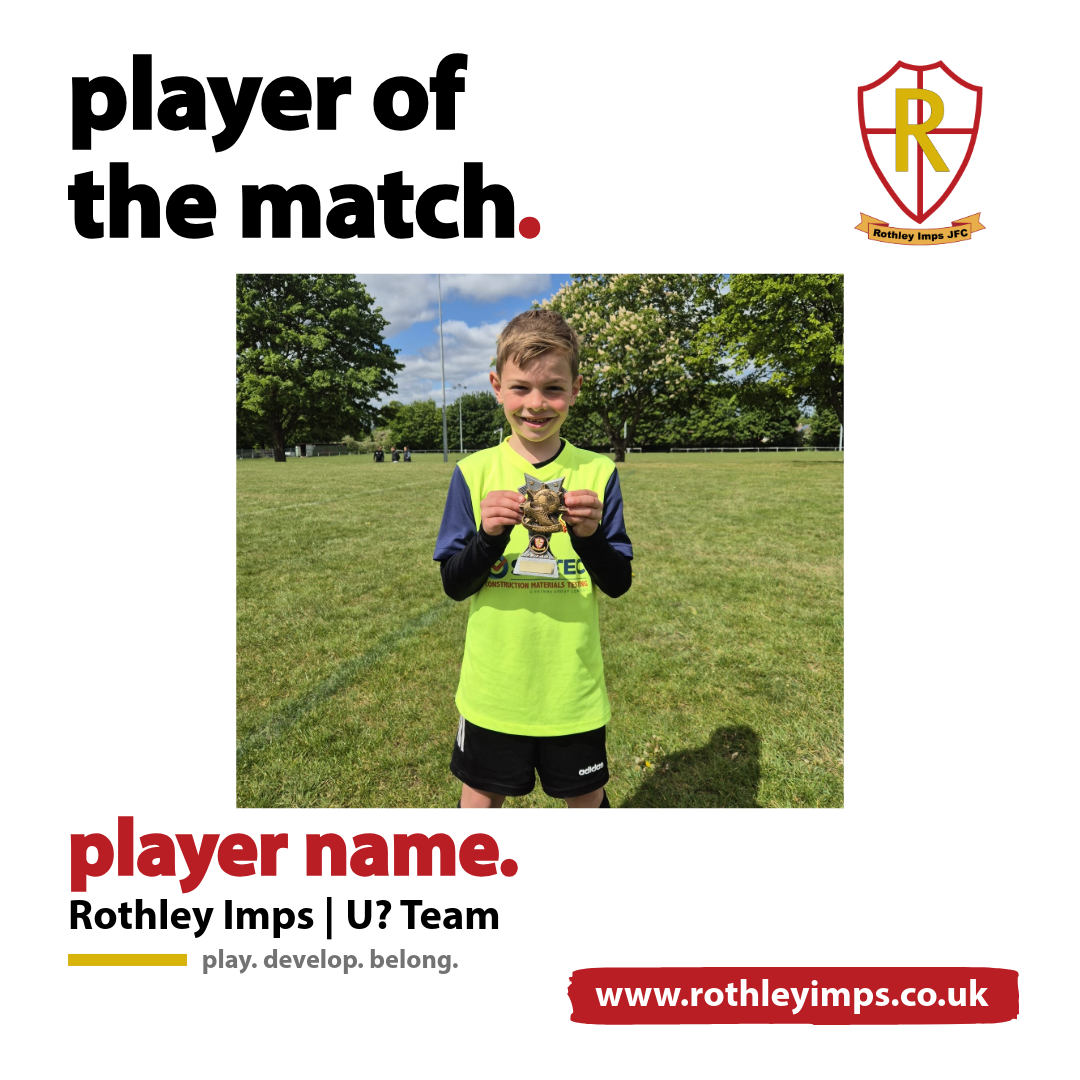
White.
A clean, classic look that puts your player centre stage.
Opens your editable copy in Adobe Express
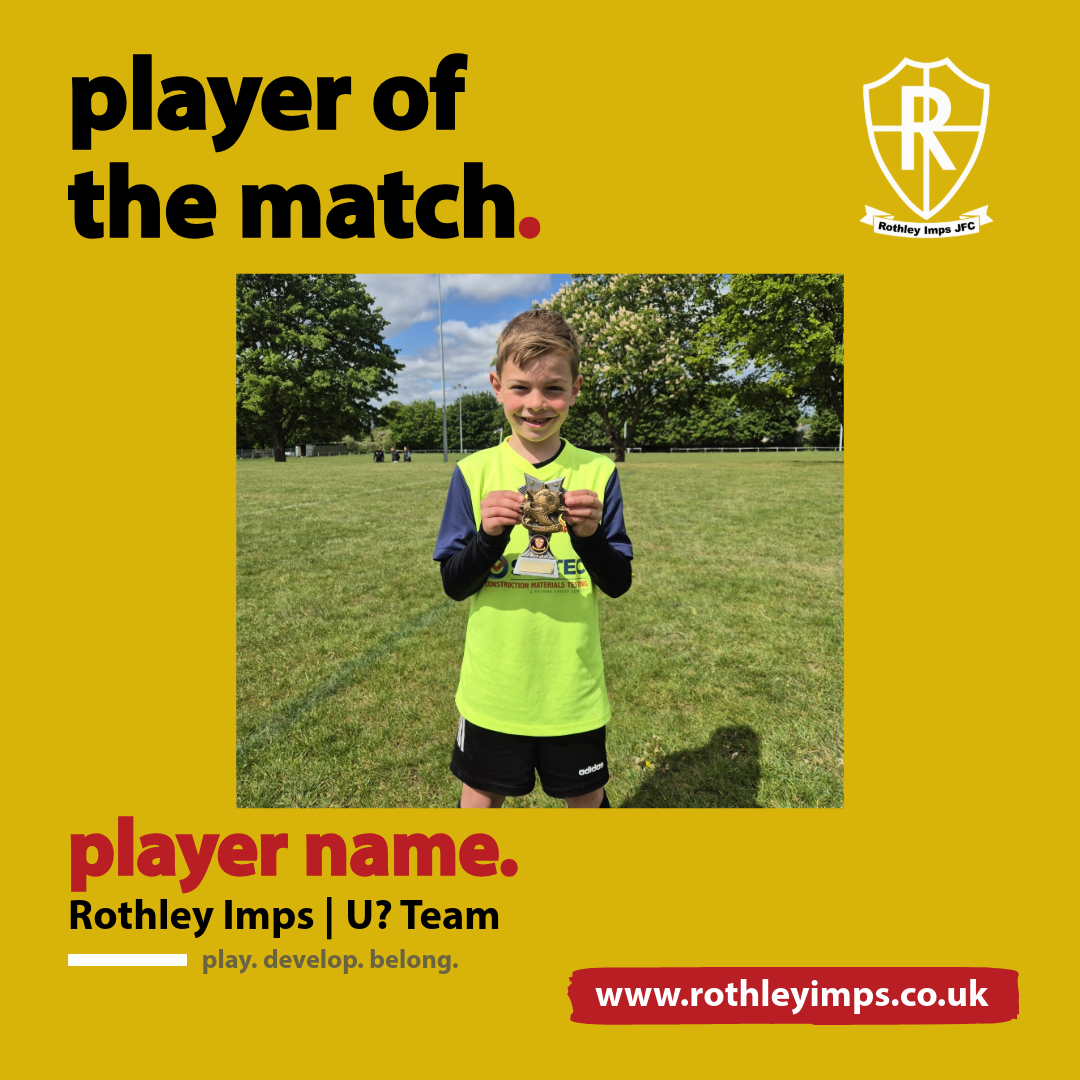
Gold.
A bright celebration in the clubs gold.
Opens your editable copy in Adobe Express
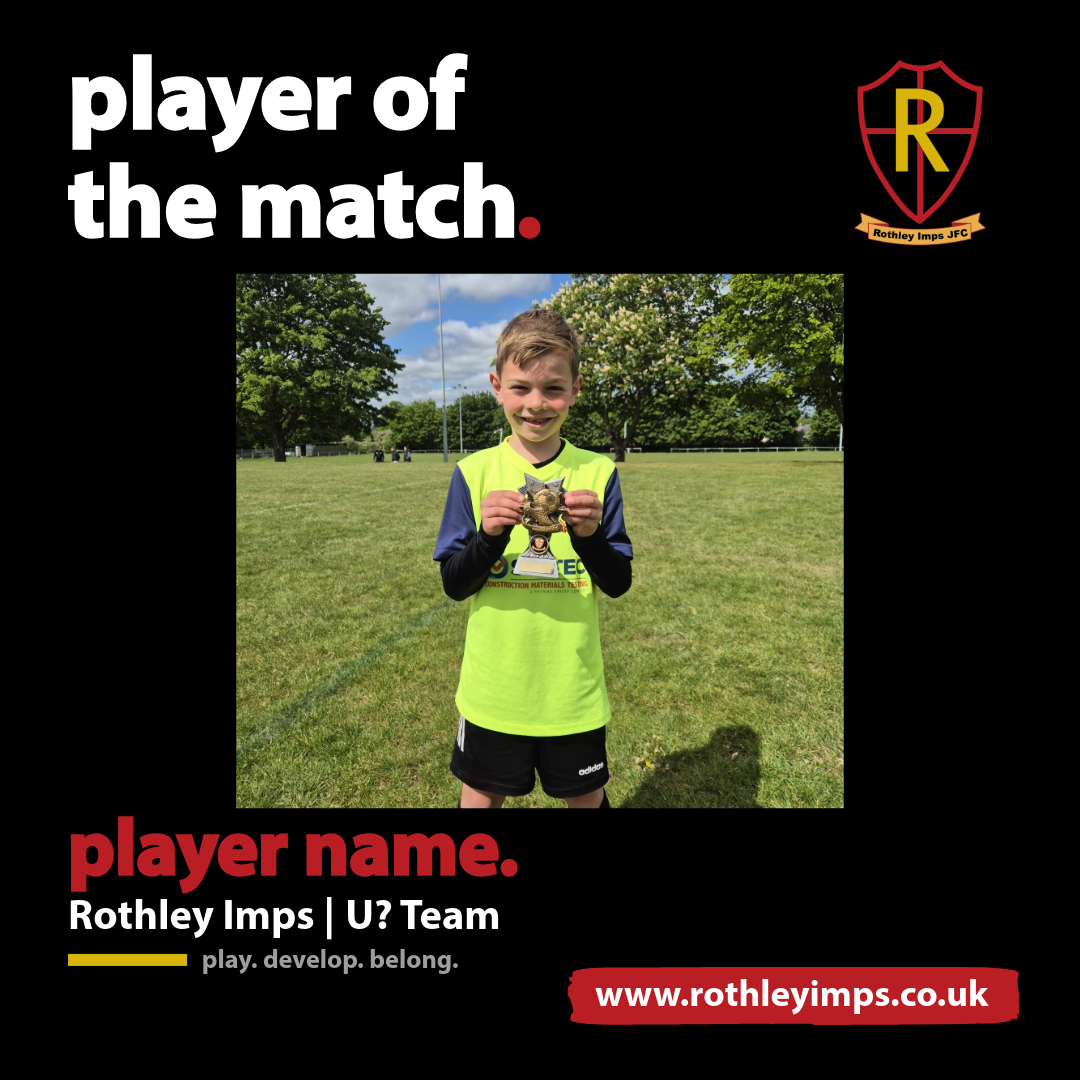
Black.
A sharp, striking design for your matchday star.
Opens your editable copy in Adobe Express
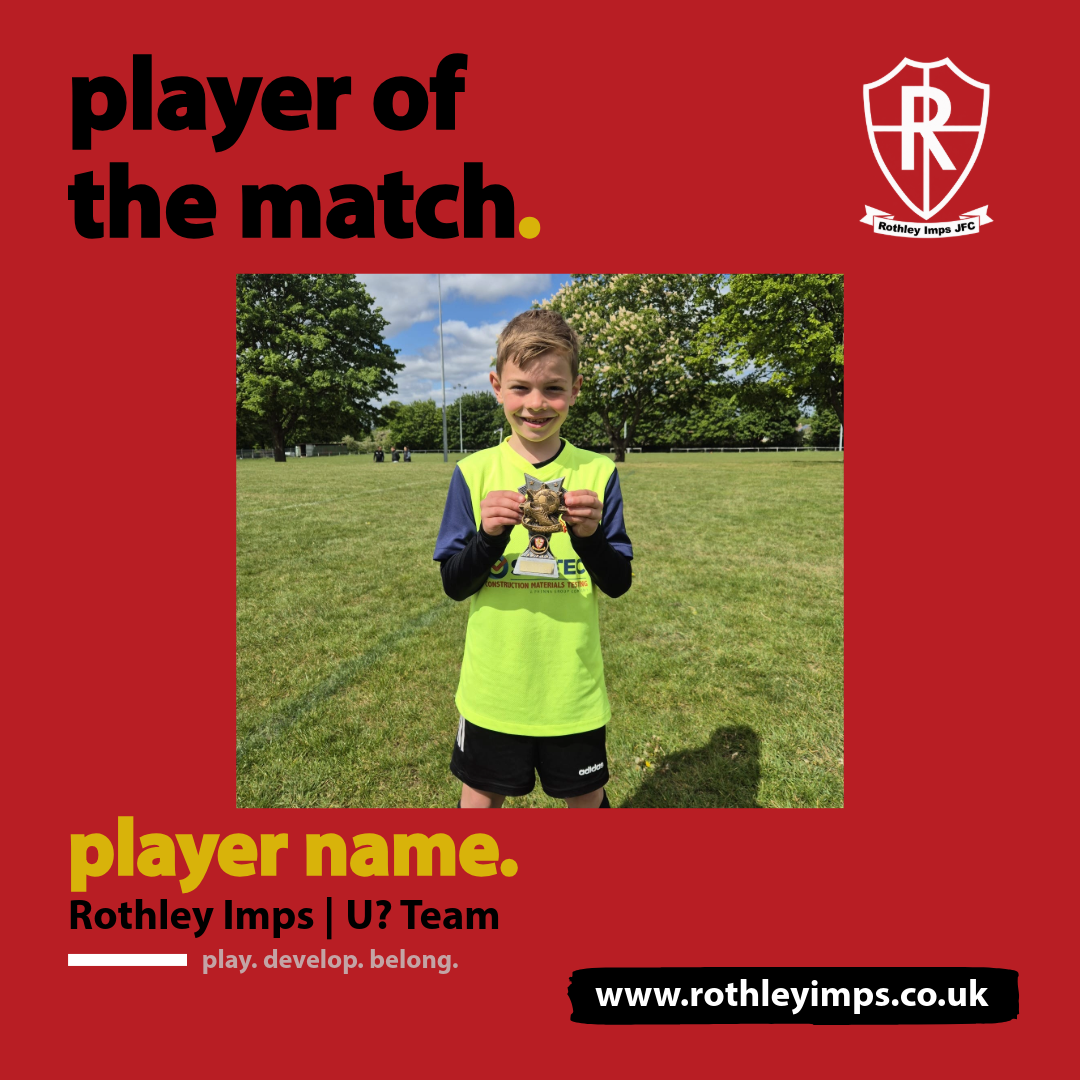
Bold club red for a moment worth shouting about.
Red.
Opens your editable copy in Adobe Express
A little help getting started
Download Adobe Express from your app store or use the website
Register for a free account and confirm your email
Log In
What do I need to edit a template
Find your preferred template and select the social post or story button. This opens Adobe.
Choose the option to remix the design and sign in if prompted.
Select the photo, choose replace media and select replace with upload. You can use portrait or landscape photos. Adjust the photo position by clicking the new photo again and drag the photo the the correct position. Click on the tick to save.
Click on player name and select replace text. Change the player name. Click the tick to save.
Click on U? team and select replace text. Change the text e.g. U9 Foxes. Click the tick to save.
When finished editing and happy with the result click on the download button in the top right. File format select PNG. Then click download to save the edited image to your photo gallery.
How do I edit a template
Social post or story: which should I choose?
Choose social post for your account’s feed. Choose story for a full-height vertical design for Facebook and Instagram stories. Each button opens the matching format, so you don’t need to resize it.
No. Use the remix option to create your own copy before editing. The club’s master design stays ready for the next manager.
Will I change the original template?
Having trouble?
Use the share news post to request a social media post, share the details and upload a photo if required. The social media lead will email the social media post to the requestor. Please allow 24 hours for edits to be sent.